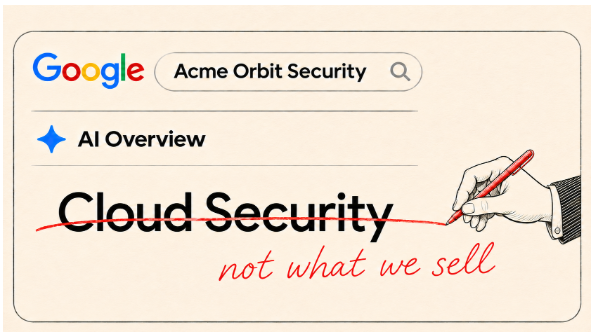
Search your company name. If Google shows an AI Overview, check three things a buyer would care about: what you sell, who you serve, and where you operate. Spot something wrong? Copy the exact wording and open the cited pages. Look for a page that actually repeats the claim. That is where you can start.
Google launched AI Overviews in the U.S. in May 2024. What’s more recent: practitioners reported seeing them in the right-hand panel for some brand searches in late October and early November. That’s an observed layout, not a confirmed broad rollout. The check works wherever the summary appears.
Here’s what to tell your devs
If the wrong fact lives in a template, shared module, or structured data, give your developer a ticket they can act on. Don’t ask them to “fix what Google says.” Ask them to fix the specific page and verify what it serves.
Copy and paste this ticket:
Search query, date, and screenshot: [paste here]
What Google says: [exact wording]
Page that repeats the error: [URL, or “source unconfirmed”]
What it should say: [approved wording]
Source of truth: [link to the current official page or document]
Please update the outdated wording at the URL above. If a shared module or template supplies it, check where else that component displays the same fact. If the page’s structured data repeats the error, correct it too. Send back the published URL so we can verify the fix.
Fix the source, not the summary
- Fix it yourself in HubSpot: If the error is in editable copy on your About or service page, update it in the page editor. Check other pages that repeat the same detail. Keep the wording plain enough for a buyer to understand without company jargon.
- Ask a developer: If the wording comes from a template, shared module, or structured data you can’t edit, use the ticket above. Only touch the code that carries the error. Google doesn’t require special schema for AI Overviews, and updating your own markup won’t correct a third-party listing.
- Ask the publisher: If it’s an old directory listing, partner page, or profile you don’t control, send the owner the URL, the exact wording to replace, and a link that verifies the correction. If none of the cited pages repeats the claim, leave the source unconfirmed. A citation alone doesn’t tell you where every sentence came from. If you need to contact a publisher, keep it short: “Hi, on [page URL] you list [old information]. The current information is [correct wording], which you can verify here: [official URL]. Could you update that line?” Save the request date and check the page again before rerunning the search. A reply is not the same as a published correction.
Verify what changed
- Open the published URL and check the correction as a visitor. If your developer changed structured data, check that it agrees with the visible copy.
- For pages you control, use Search Console’s URL Inspection tool to test the live page and request indexing if appropriate. That’s a request, not a promise that the page or summary will update immediately.
- After Google revisits the page, repeat the same branded search and date a new screenshot. Record separately whether the source is fixed and whether the AI Overview changed. If no overview appears, log that rather than assuming the error is gone.
Start with one wrong fact. Fixing a source you control is useful even if Google’s answer doesn’t change: buyers can still find that page directly.
Want a second set of eyes on your HubSpot pages? Request a free HubSpot website assessment.







 3 min read